Brain Test 5/X - Tricky Challenge Level 20
Complete solution for Brain Test 5/X - Tricky Challenge Level 20. Step-by-step guide and video walkthrough to solve this tricky puzzle.


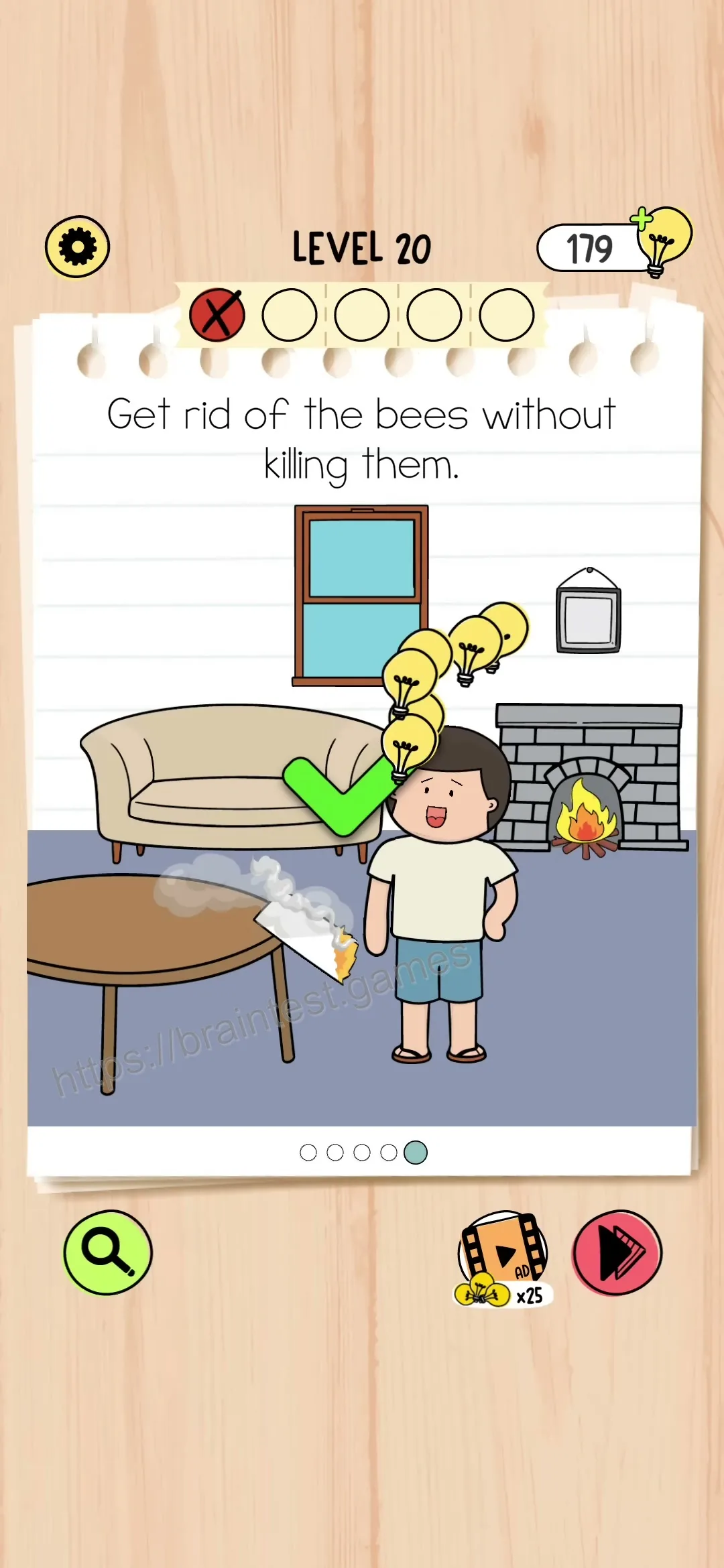
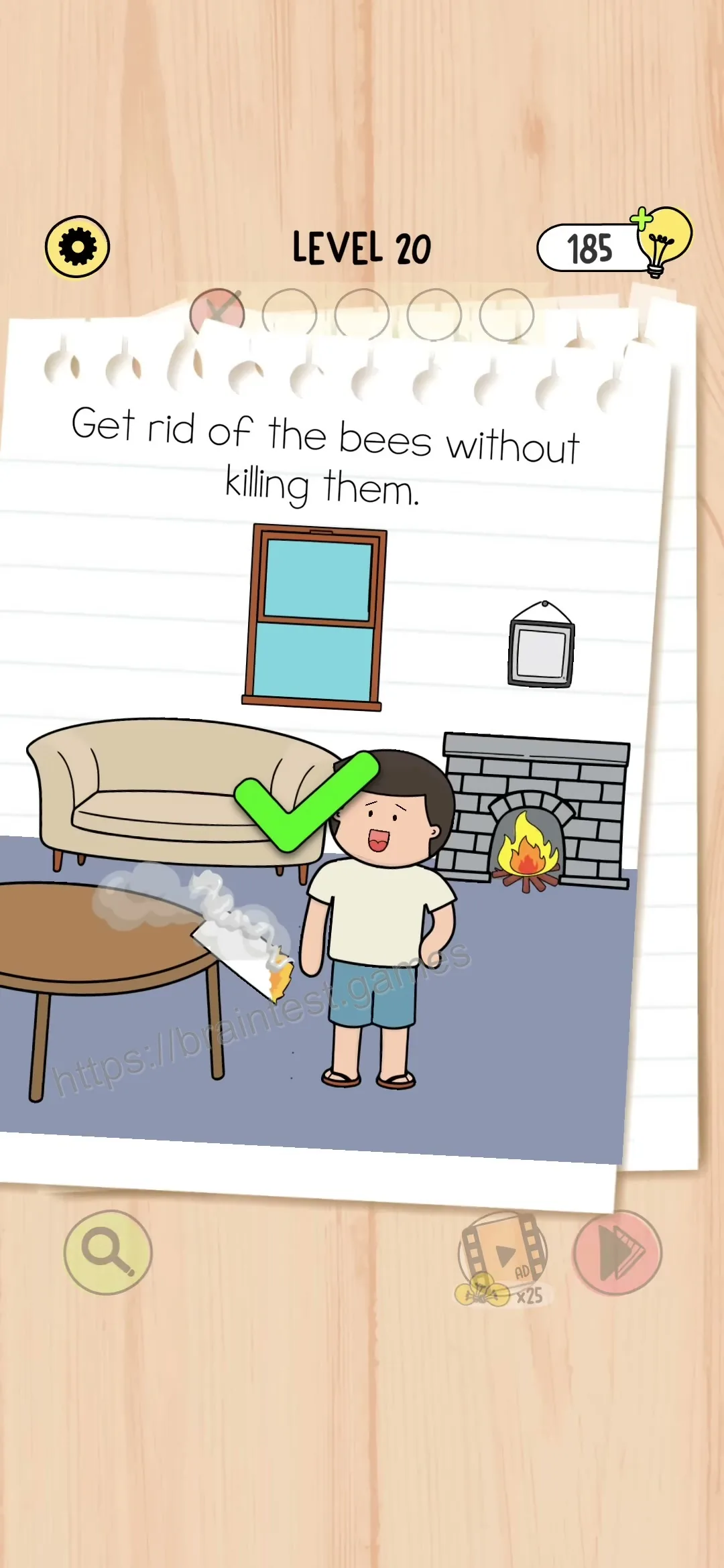
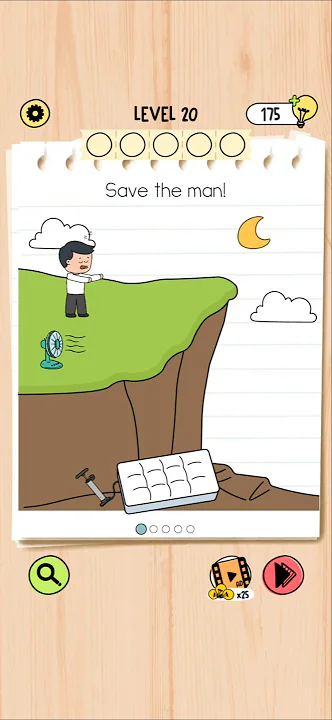
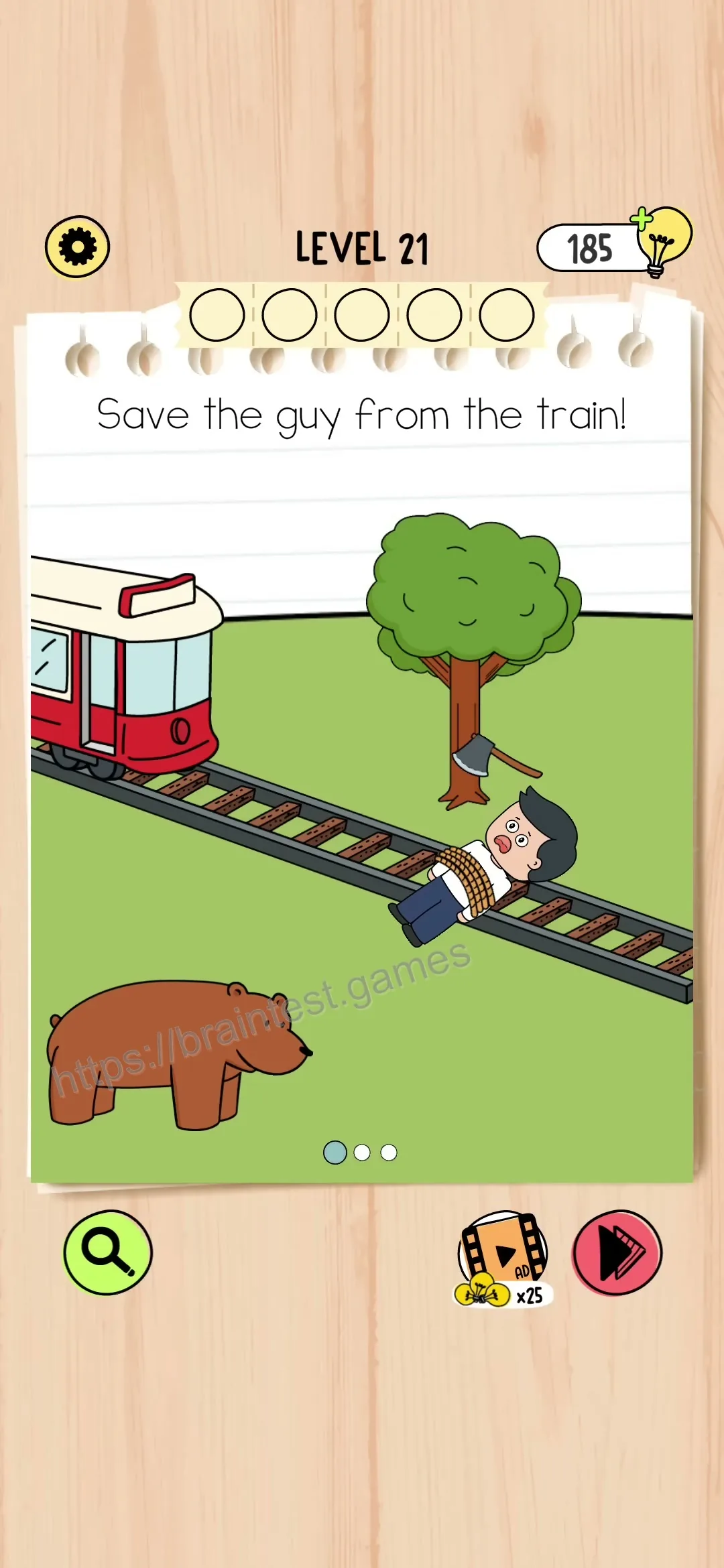
Save the man!
This Brain Test 5 level contains multiple scenes. Follow each step below in order.
Scene Step 1
Complete this action to move to the next scene.
Action Guide
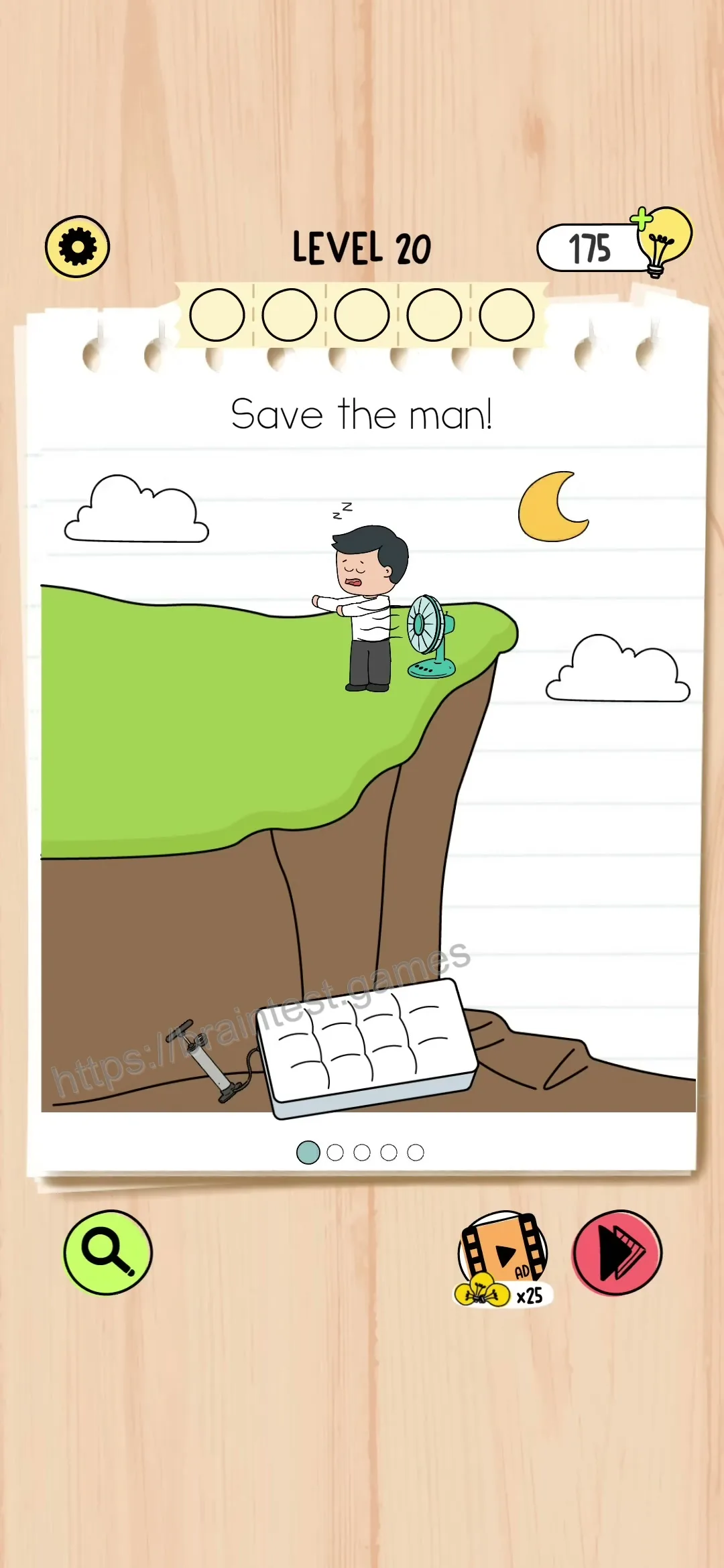
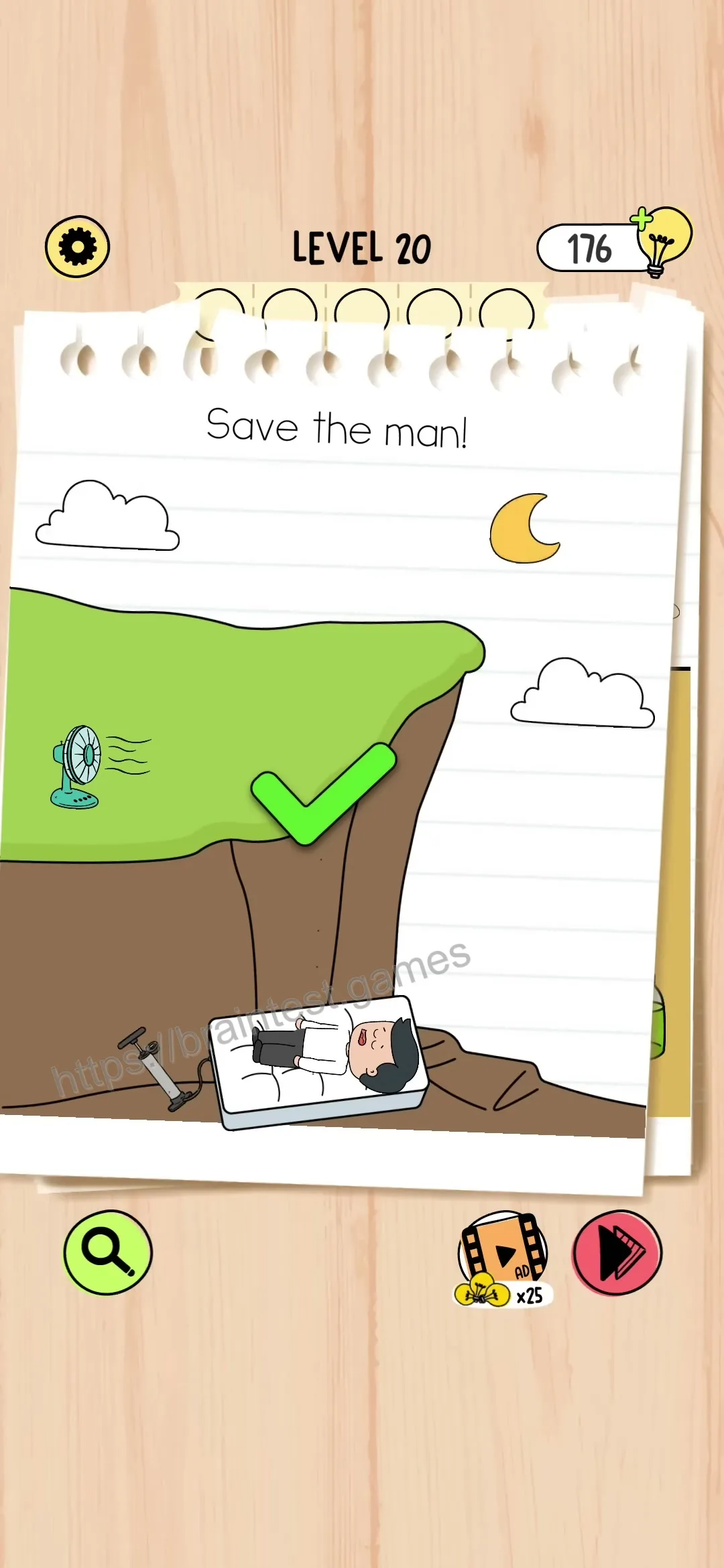
Scene Step 2
Complete this action to move to the next scene.
Action Guide
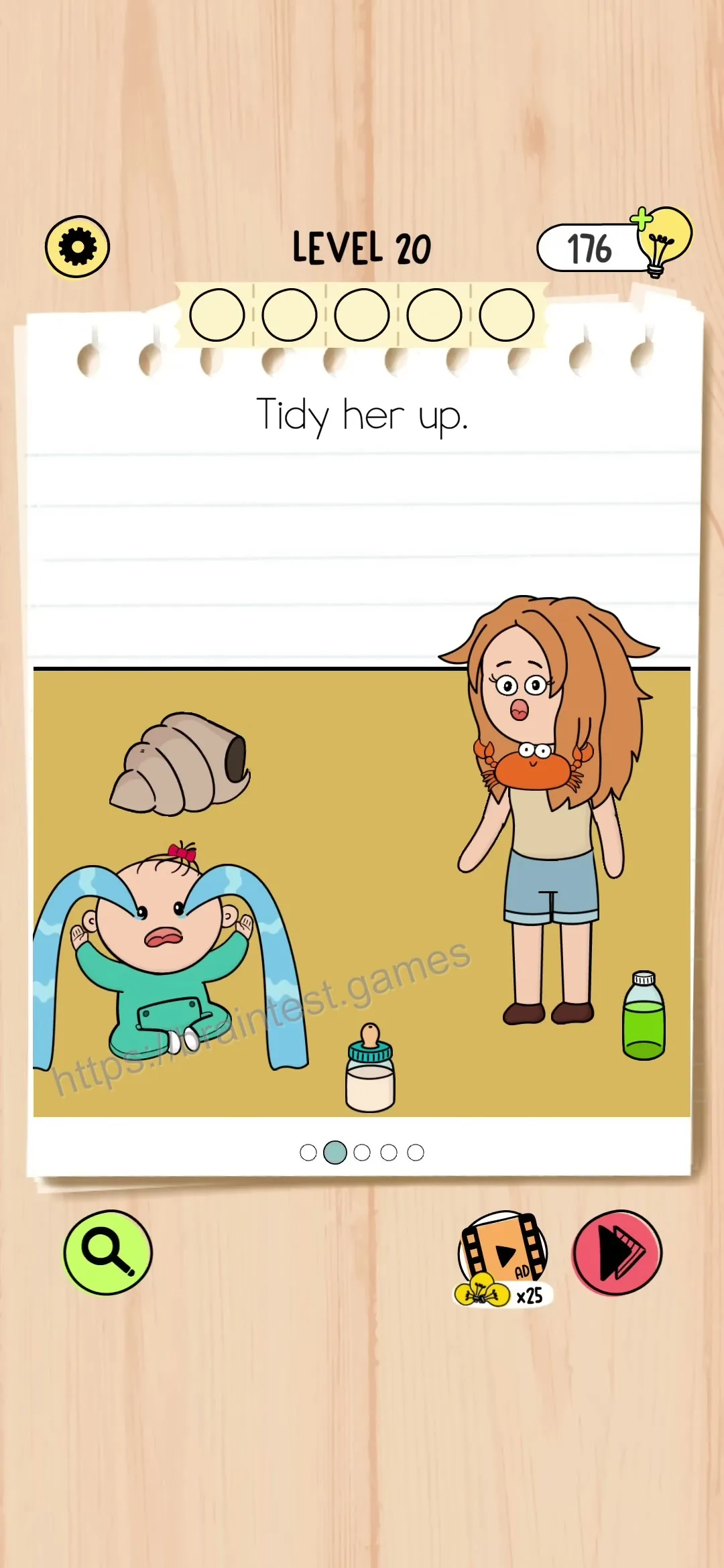
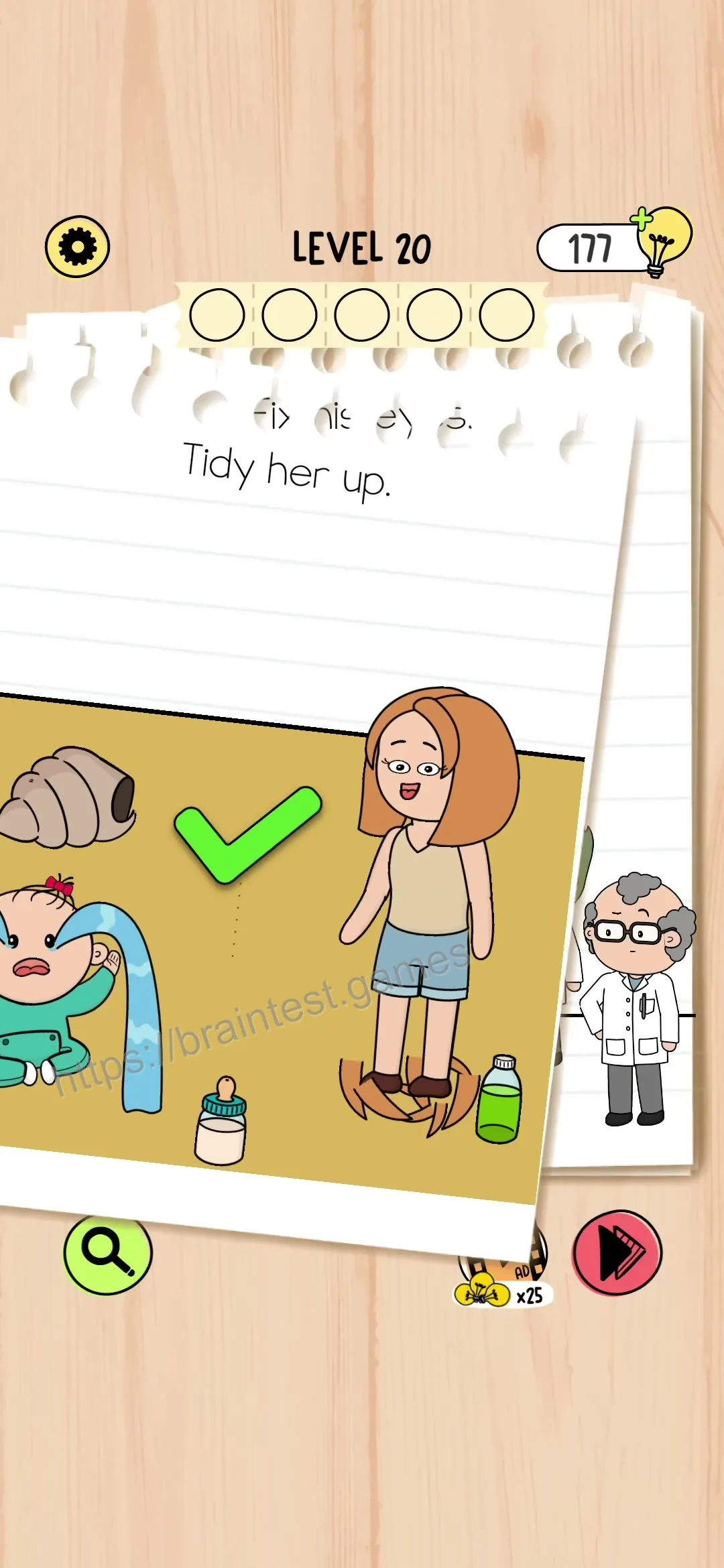
Scene Step 3
Complete this action to move to the next scene.
Action Guide
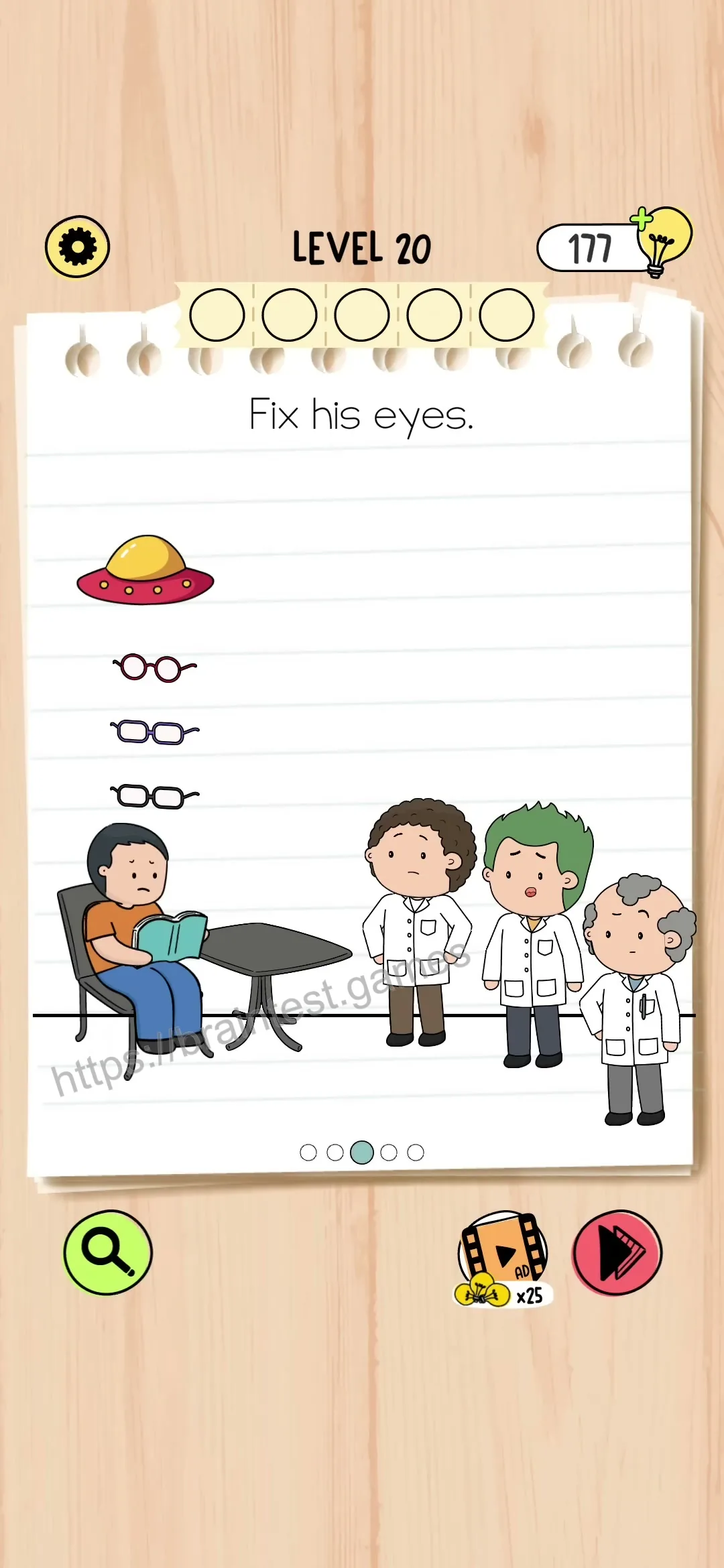
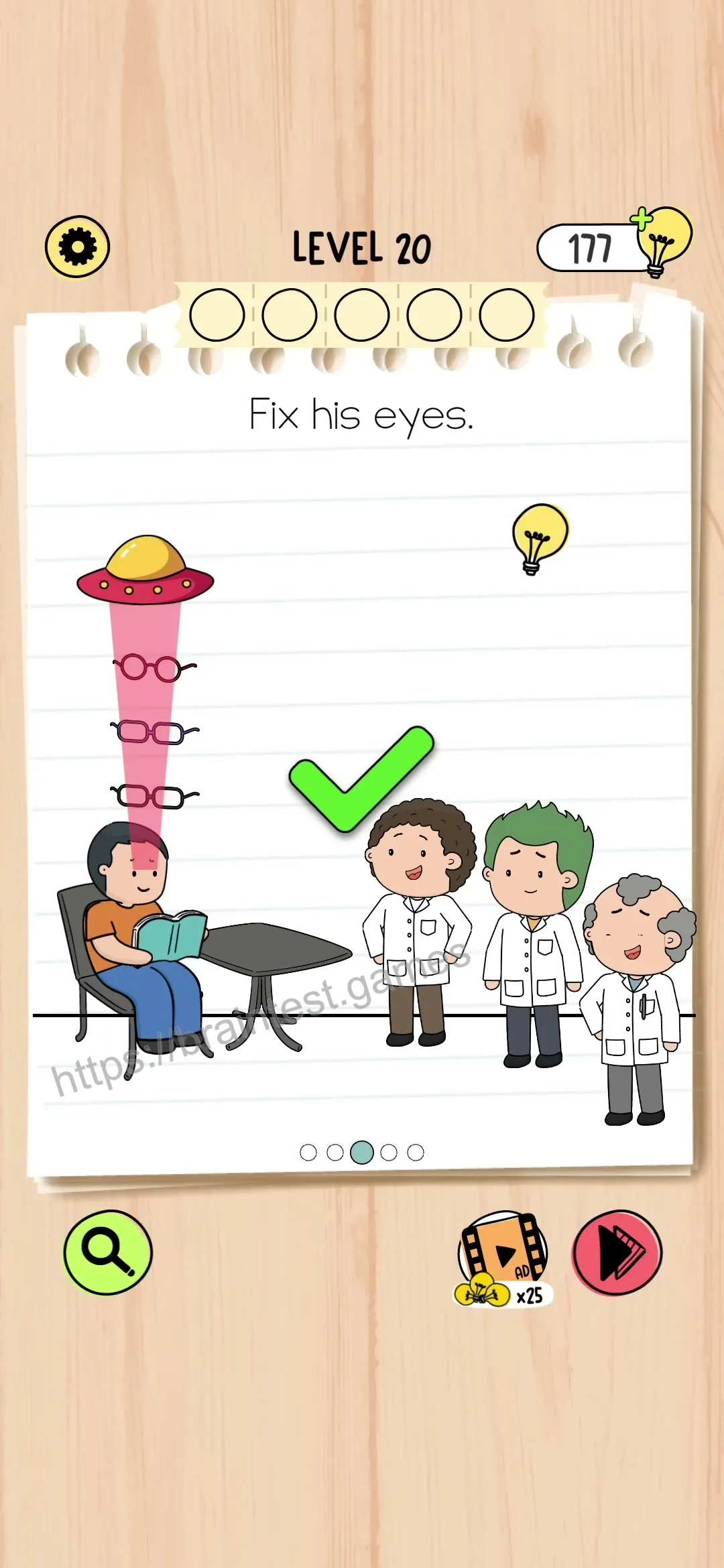
Scene Step 4
Complete this action to move to the next scene.
Action Guide
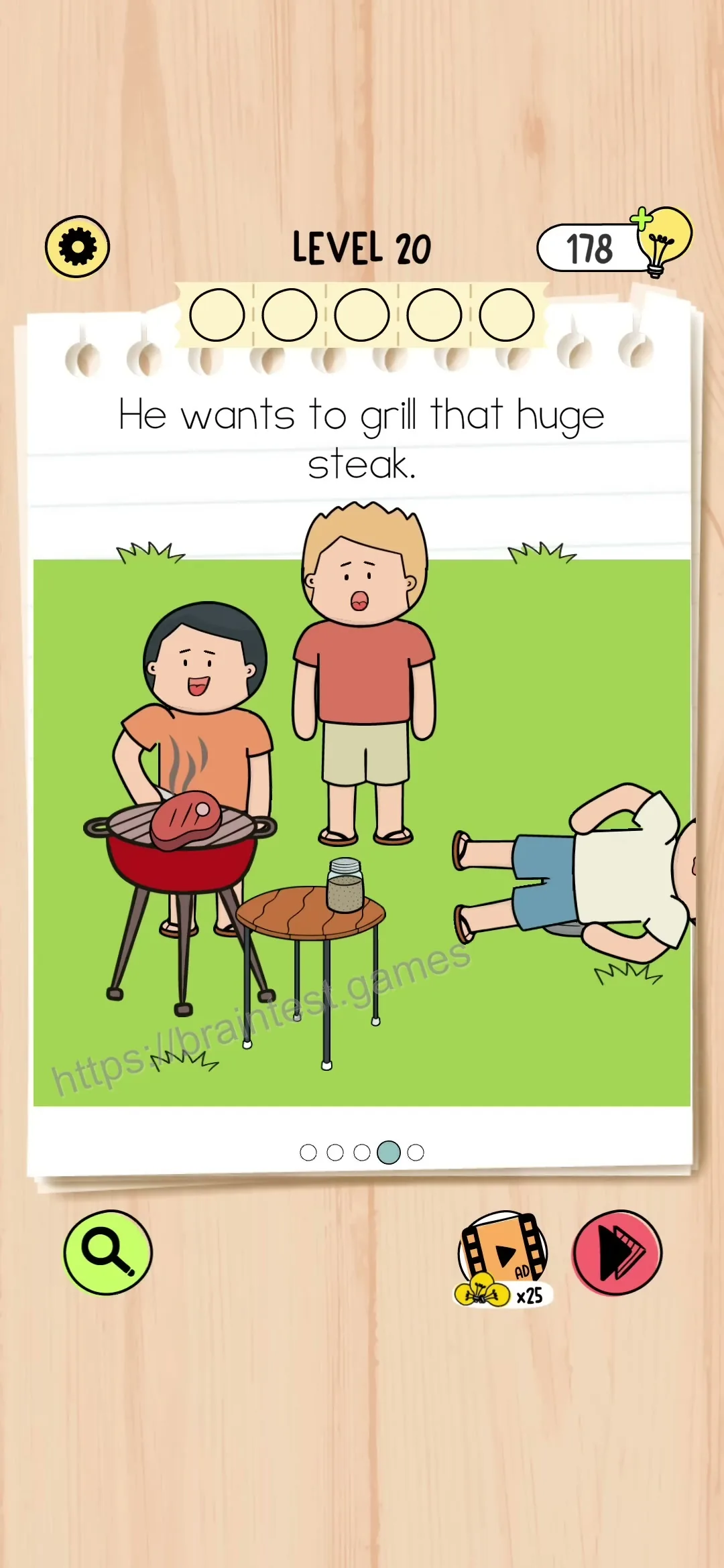
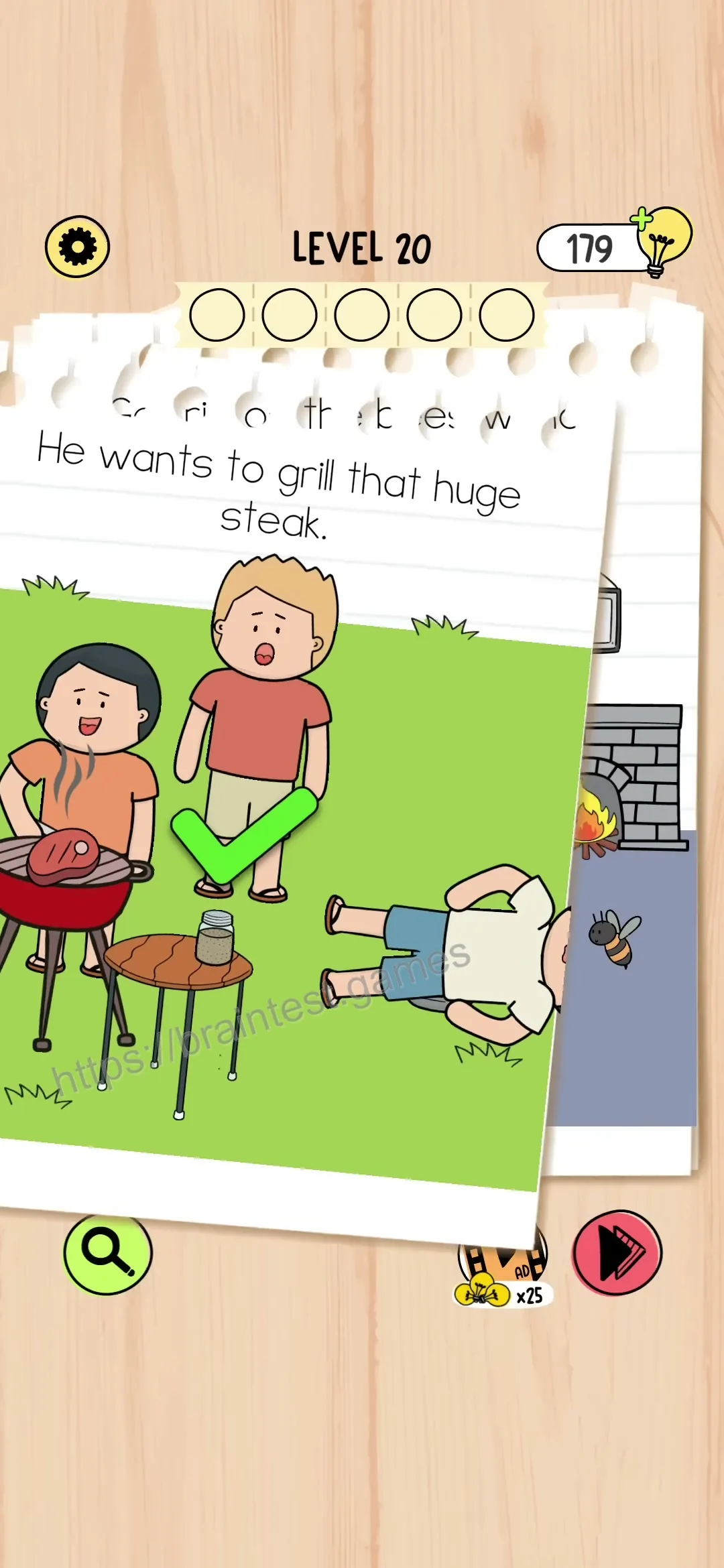
Scene Step 5
Complete this action to move to the next scene.
Action Guide
Level Not Matching? Please Check:
1. Verify Level Number: Make sure your game shows Level 20 - the same as shown above.
2. Check Game Version: Brain Test has 6 different versions. Please select the correct version above that matches your game.
3. Still Not Matching? Game updates may shuffle level order. Try browsing all levels by cover image to find your exact puzzle.
If the level still doesn't match after checking above, please leave a comment below with a screenshot so we can update the guide!
Comments (0)
Leave a Comment
No comments yet. Be the first to comment!